Server and database
The server is hosted on Amazon Web Services (AWS).
The database is hosted on the server itself.
A backup of the database is done every 2 hours and saved for a period of 7 days
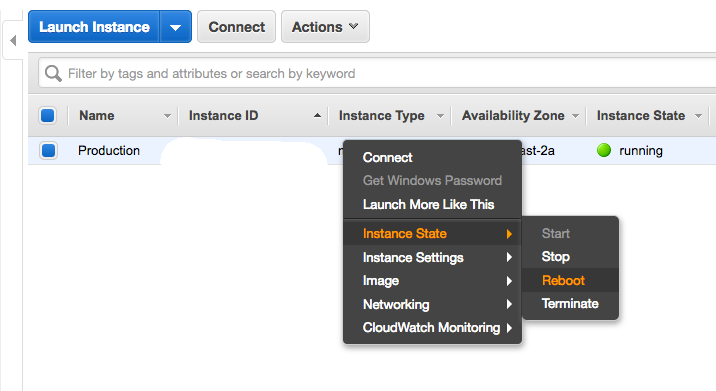
Restart the server
- Sign in to AWS console with the credentials given in the
Credentials.txtfile - Go to the
EC2 service > Running instances - Right click on
Production > Instance State > Reboot
Connect to the server by SSH
- Download Putty
- Download
aws-putty.ppk
Negoti8or > SSH Keys > aws-putty.ppk
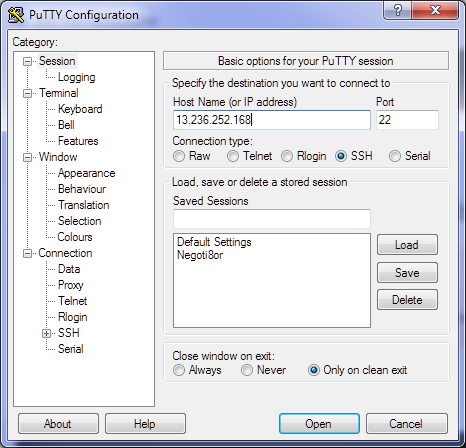
- Open Putty
- Set the hostname
13.236.252.168
- Leave the port to 22
- Go to the
authsection
Connection > SSH > Auth
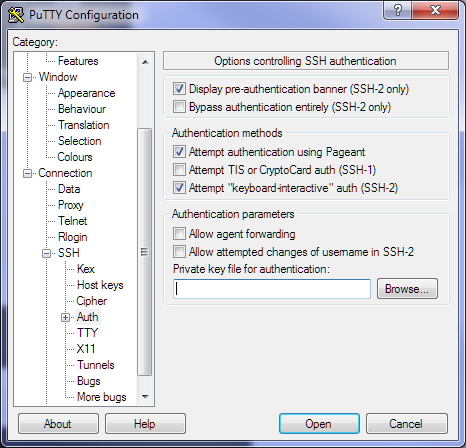
- Click on
Private key file for authenticationand select theaws-putty.ppk
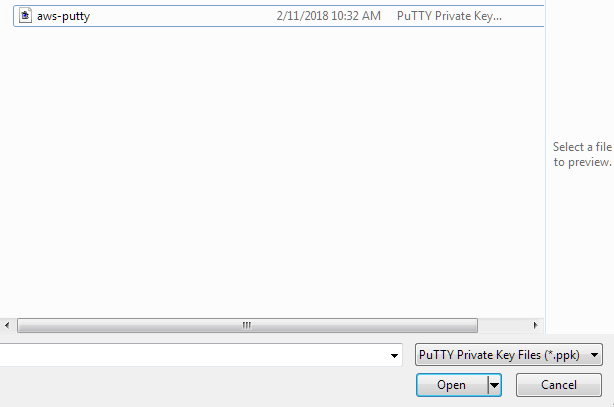
Click on the
Openbutton in the bottom right cornerWhen the server is asking you for a user, put
forge
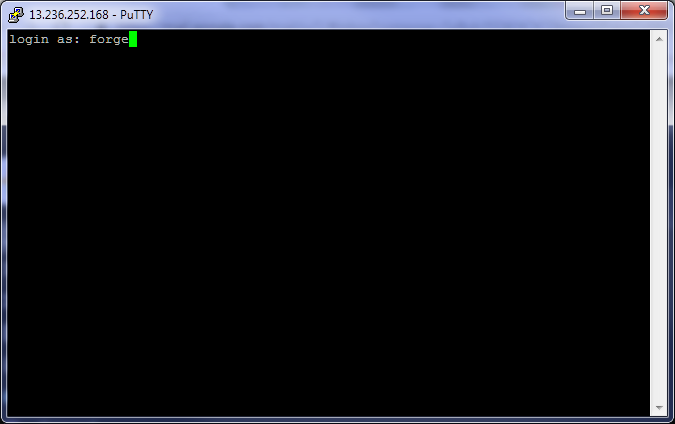
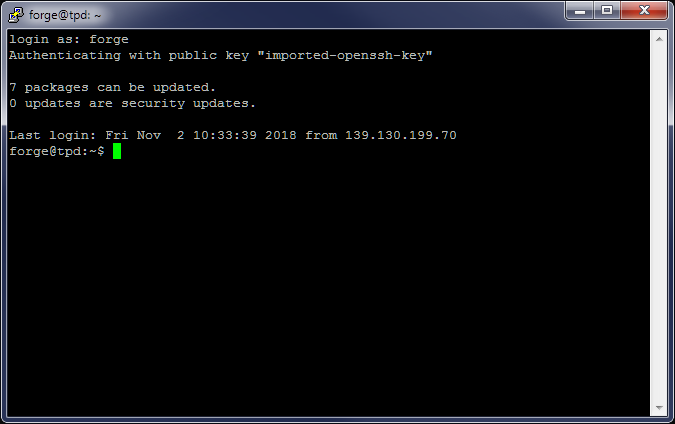
- Congrats! You are now connected to the server
Restore a backup version of the database
WARNING
This operation is going to delete and re-create the database
- Connect to the server by SSH
- Type the following commands
# Change the date (YYYY-MM-DD)
cd backups/2018-10-30

# Change the time (H:m:s)
# You will need to enter the Sudo password included in the Credentials file
# Do not forget the backslash!!
sudo gunzip 04\:00\:01.sql.gz

mys -e "drop database negoti8or; create database negoti8or;"

mys negoti8or < 04\:00\:01.sql
Apply Changes to the Negoti8or Server
WARNING
This operation will render Negoti8or offline for a short period of time
- Connect to the server by SSH
- Type the following commands
# Run the deployment script
cd /home/forge

./deployment.sh