iPECS Phone System (On Call Manager setup)
Use this system to update the call diversions to the managers.
It is available on iPECS
WARNING
STRICTLY FOLLOW THE INSTRUCTIONS, DO NOT CHANGE ANYTHING ELSE
Logging into the system
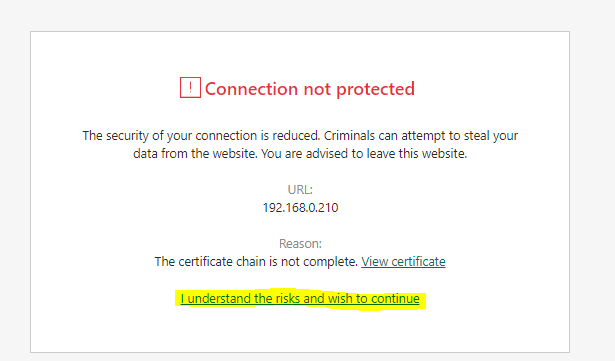
- Connect to iPECS
- Click on accept and continue through
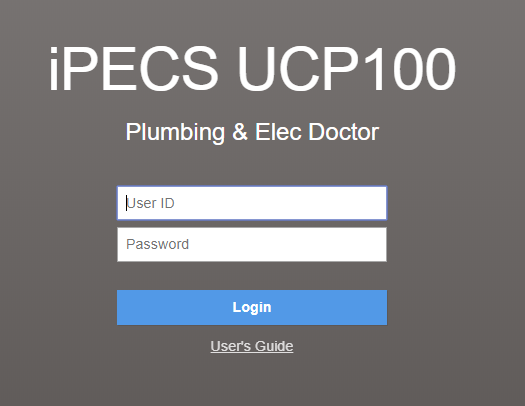
- Enter the following in username and password
- Usernam: Dispatch
- Password: Plumbingdr1
Setting up the System Speed dial to the managers
- On the left menu click on System Data
- Scroll to the bottom of that list and click on System Speed Dial
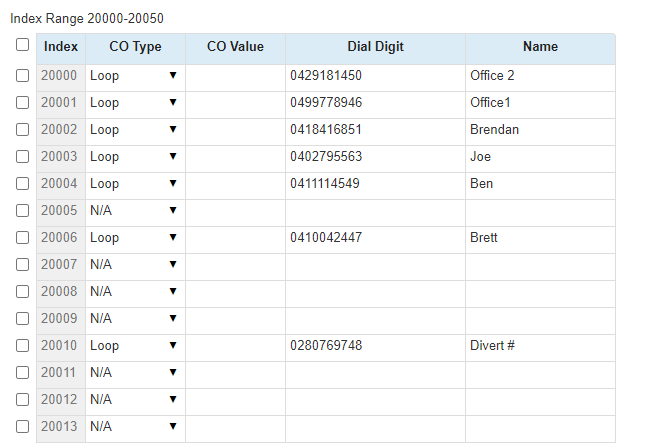
- It will ask to enter an Index Range, enter 20000-20050
- Here you can add, remove and edit the managers numbers, just make sure that you change the CO Type to loop
- Click on save on the right once you're ready
Changing the overflow on a weekend from voicemail to the manager
- On the left menu again, Click "Station Group Data" then "Station Group Overview"

- Then click on "Go to Assignment" for the Weekends group

- Click on "Go to Attributes"
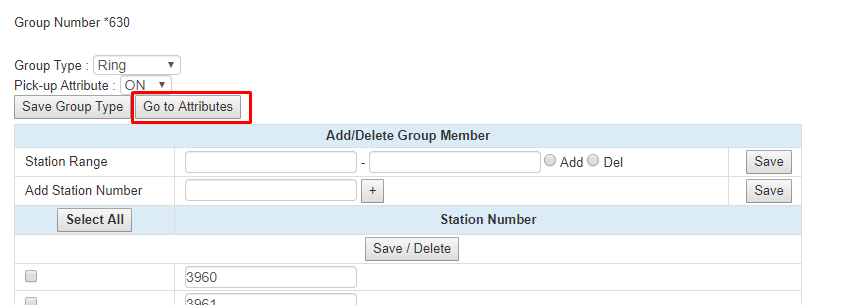
- Go down to number 10 "Overflow Destination"
- Under "System Speed" change the index number to that of the manager

- Click Save in the top right corner
- Click Log out above save and you are done